
See more Apple Pay FAQs.
.
Pay with Apple Pay
Apple Pay is an easy, secure, and private way to pay—in-store, online, and even in your favorite apps.
Available with your People First Bank Visa Debit Card or Visa Credit Card on your iPhone, Apple Watch, iPad, and Mac.
mobile-apps
No wallet? No problem.
Go ahead, leave your wallet at home. With Apple Pay, you can pay with your People First Bank card right from your iPhone or Apple Watch.
lending
Save time, check out faster.
With Apple Pay, information like your name and address automatically populate at checkout. Now paying is faster than ever.
security
Extra security. Built right in.
Apple Pay uses the security features built into your Apple device, including Face ID and Touch ID—which are designed so only you can authorise payments.
Add your card. Just like that.
To add your People First Bank Visa Debit or Credit Card to Apple Pay, download the People First Bank App and follow these steps.

- Log in to the People First Bank App.
- Tap Cards and swipe to the card you'd like to add.
- Tap Add to Apple Wallet and follow the prompts.
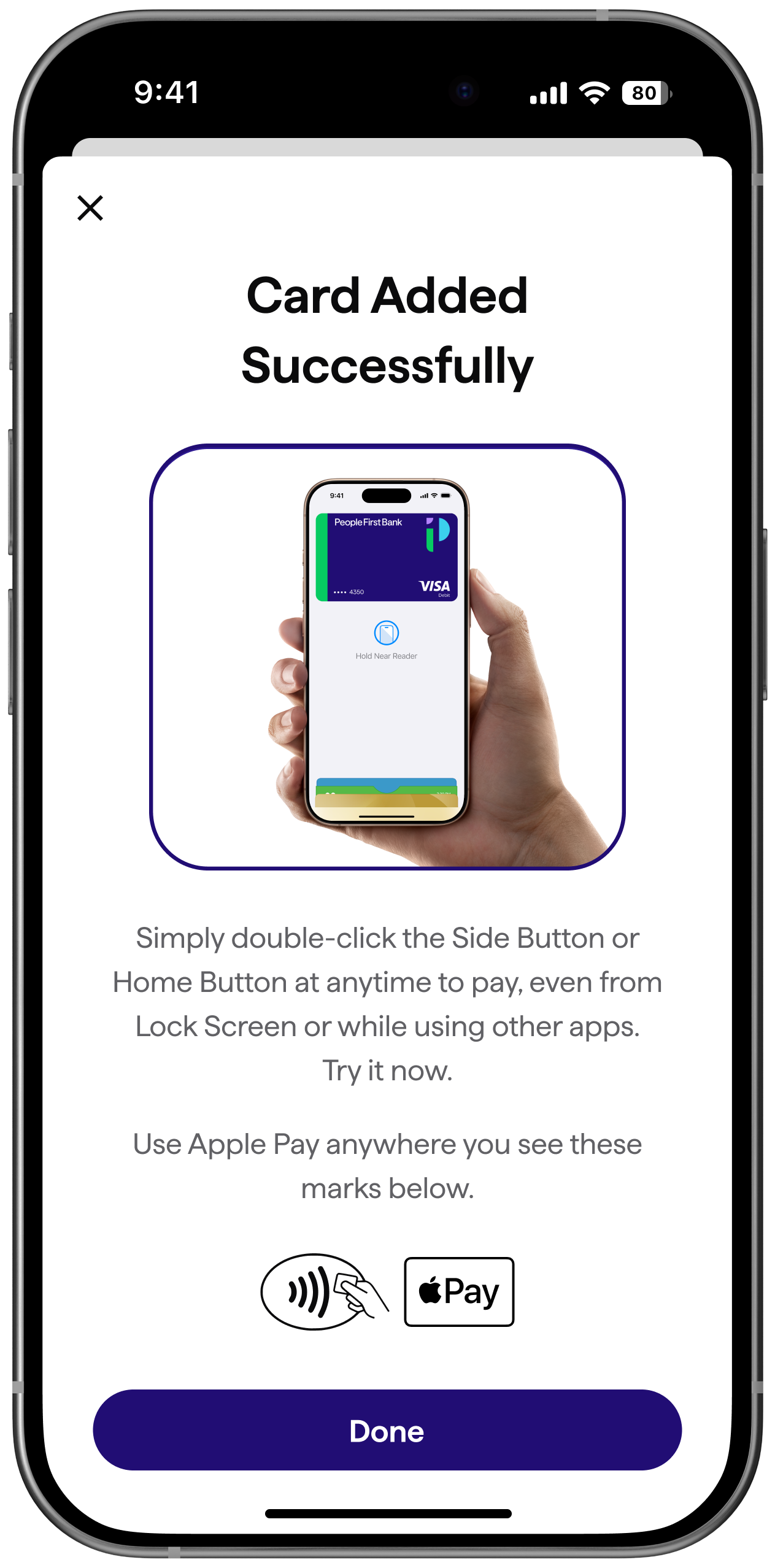
Use it where you already shop
Apple Pay is the easier, safer way to pay in stores, in selected apps and on participating websites with your iPhone, Apple Watch, iPad, and Mac.
To pay with Apple Pay online, in-app, or in-store,
just look for Apple Pay or payWave symbol.

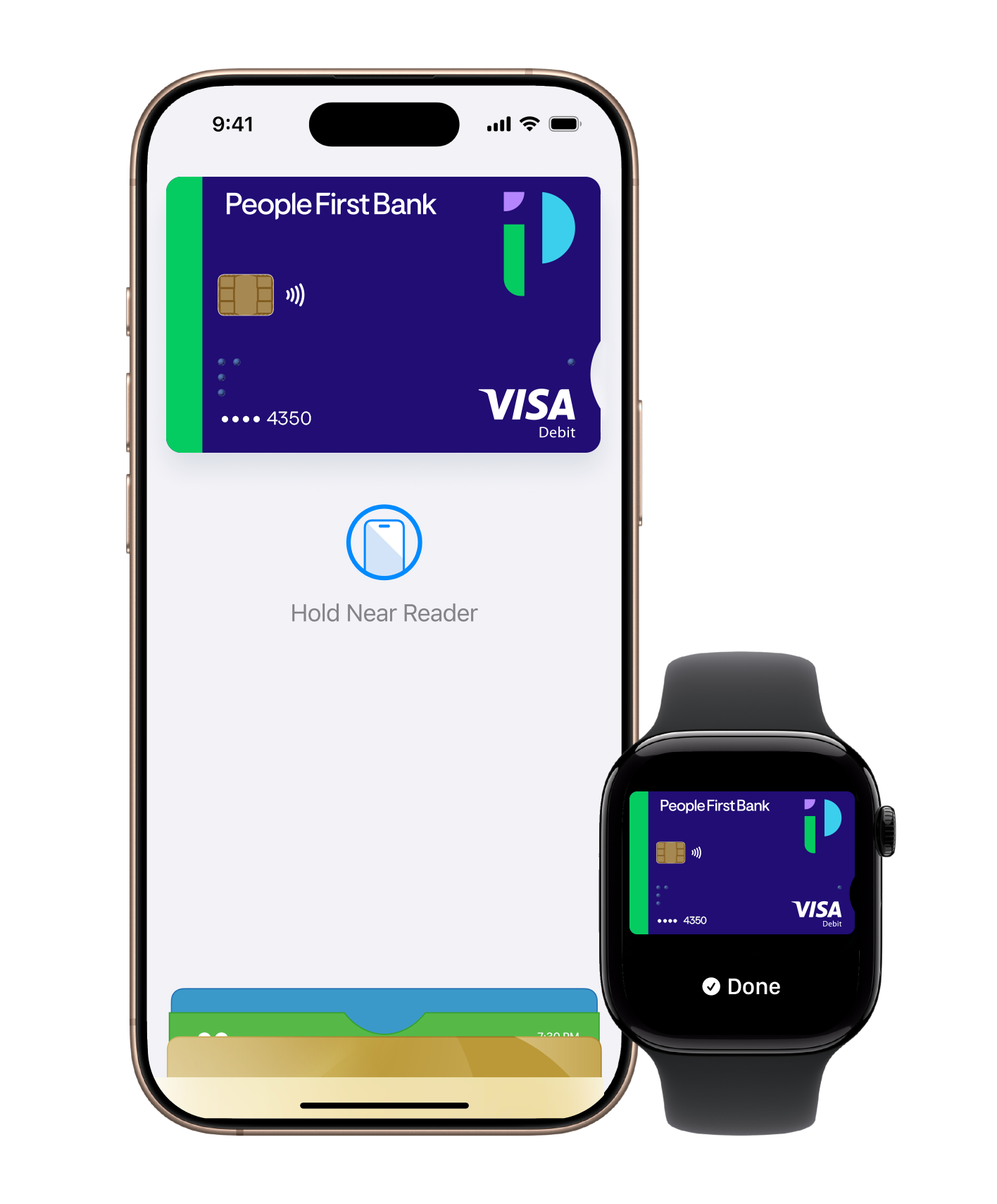
How to pay in-store
Quickly pay using your iPhone or Apple Watch.
iPhone FaceID
Double click on the side button, glance at your screen, then hold your iPhone near the reader.
iPhone TouchID
Hold your iPhone near the reader with your finger on Touch ID.
Apple Watch
Double click the side button and hold your Apple Watch up to the reader.
Apple Pay FAQs
The first card added to the Wallet app becomes the default card for that device. To change a default card you must follow these steps:
iPhone
- Open the Wallet app
- Touch and hold your finger over the card you want to make the default card
- Drag the card to the front of the cards in the Apple Pay section
Apple Watch
- Open the Watch app on your iPhone
- Go to the My Watch tab
- Tap Wallet & Apple Pay and then Default Card
- Choose a new card
iPad
- Go to Settings
- Tap Wallet & Apple Pay and then Default Card
- Choose a new card
To remove a card from Apple Pay you must follow these steps:
iPhone
- Open the Wallet app
- Select the relevant card and then tap (i) symbol in the bottom right corner to see all the card details
- Scroll down and select Remove Card
Apple Watch
- Open the Watch app on your iPhone
- Go to the My Watch tab
- Scroll down and tap Wallet & Apple Pay
- Tap the card and then tap Remove Card
iPad
- Go to Settings
- Tap Wallet & Apple Pay and then Remove Card
- Choose the card to be removed from Apple Pay
Please note: if you remove your device passcode or Touch ID security feature, or sign out of iCloud, all cards will be removed from Apple Pay on the device.
No, it does not cost you anything extra to use Apple Pay.
The usual credit or debit charges apply to purchases and some retailers may apply a credit or debit card surcharge to purchases made using any payment method, including Apple Pay, contactless or chip and PIN transactions.
You require an active data plan or Wi-fi connection to add your card to Apple Pay. Based upon your mobile plan and network, additional message and/or data charges may apply.
Yes, a People First Bank (or People's Choice) card can be added to your wallet across multiple devices that is registered only to yourself. You must not have your card added to a wallet on a device that doesn't belong to you. For more information, see our Apple Pay Terms of Use.
The Device Account Number can be found by opening the Wallet app and tapping the (i) symbol in the bottom right corner and then scrolling down to find Device Account Number.
Yes, however it is not possible for People First Bank to show if a transaction was made using Apple Pay, contactless card or chip and PIN.
Need some help? We've got you covered.
Get in touch with us and we can help you get the answers you need.
help
Help and support
Access forms, brochures, support articles, FAQs and more below.
lock
Message us securely
Log into Digital Banking to send us a secure message by clicking the link below, or by using your People First Bank App.
