


Explore all FAQs here.

Who is People First Bank?
Welcome to a new era of customer-owned banking with People First Bank, we're happy you're here.
What's staying the same?
Your People's Choice products and services will continue working as they currently do, and your member and account numbers haven’t changed. The only difference being, you’ll see our People First Bank brand where People’s Choice used to be.
What's new?
You’re invited to register for our new People First Bank App and Online Banking. Let’s get you set up.
Register in minutes
Make sure you have your member number handy and a secure password in mind.
Step 1. Get started
Download the People First Bank App or head to Online Banking. Our App is compatible with iPhone OS 15.0 and above, and Android 8.0 and above.
Registering with a tablet? We recommend using Online Banking via your web browser.
Important to know
Have your member number handy
You can find this on your last statement, on the back of your People’s Choice card, or in the People's Choice App (select 'App details' and locate the ‘RIM’ for your unique member number).
Within 48 hours of registering, you’ll no longer be able to use the People’s Choice App and Internet Banking. You can delete the old app from your device.
If you use PayTo, a multiple-to-sign account, batch payments, access tokens or international payments
make sure to read the changes to these services first.
An update to our BSB
You’ll notice our BSB has changed from 805-050 to 671-000. For now, both BSBs will work. For any new payments into your accounts, we recommend providing the new BSB of 671-000.
What's new
location_on
Simple navigation
Making banking easier with a simple app that simply works
phone_in_talk
24/7 support
Chat with our friendly team in our Customer Hub 24 hours a day, 7 days a week on 13 11 82
check
Two-factor authentication
Two-factor authentication and email notifications for higher-risk activities
security
Safe and secure
Strong anti-fraud measures and 24/7 payment and card monitoring.
my-cards
Card controls
Lock and unlock your cards instantly in the app if your card is lost or stolen.
email
Secure messaging
Securely message us in the app anytime for help with payment limits, travel notifications, help with your products and more
lock
Password resets
Securely reset your log in details anytime through the app
help
Need a hand?
We’ve put together a range of how-to guides and videos to help you settle into your new home of banking.

Your questions, answered.
Digital Banking is how we refer to both the People First Bank App and Online Banking. By registering for one, your new login credentials will give you access to both.
Yes – once you register once and create your login credentials, use this to access both the People First Bank App and Online Banking.
Within 48 hours of registering for Digital Banking with People First Bank, you’ll no longer be able to use the People’s Choice App and Internet Banking. Feel free to delete the old app from your device.
You’ll notice our BSB has changed from 805-050 to 671-000. For now, both BSBs will work. For any new payments into your accounts, we recommend providing the new BSB of 671-000.
Don’t worry - your saved payees, accounts, payment limits and scheduled payments will transfer automatically and securely to the new app for you.
No changes there – your member and account numbers will stay the same.
Absolutely! We remain 100% customer-owned and focused on serving you.
Yes – as the People First Bank App and Online Banking require all customers to register for the first time, even as an existing People’s Choice customer.
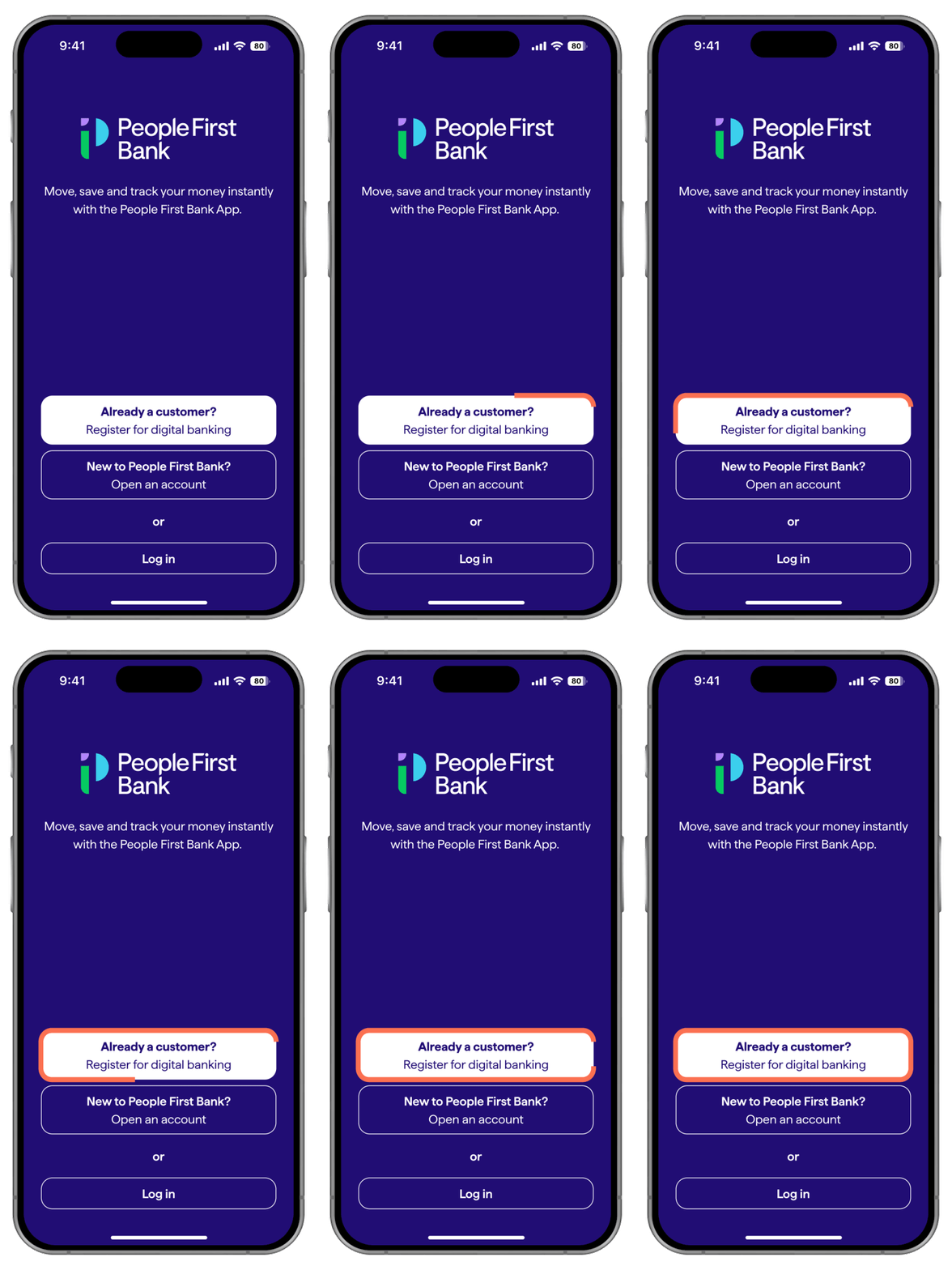
This means setting up new login credentials and security preferences, as your previous password won’t work. You can register in minutes by downloading the People First Bank App, clicking the ‘Already a customer? Register for Digital Banking’ button and following the prompts.
You can find this on your last statement or on the back of your People’s Choice card. Don’t have a card? Click ‘App details’ in your People’s Choice App and locate the ‘RIM’ for your unique member number or call us on 13 11 82.
Changes to payment features
Visit Digital Banking for more FAQs and how-to guides on setting up payments.
At this time, international payments can no longer be made online. We’re still working on what this service looks like in future. In the meantime, our friendly team can help you make international payments in branch.
Access Tokens will continue to work with the People's Choice App and Internet Banking until you have successfully registered to bank online with People First Bank. Once you do, this service will be replaced with secure two-factor authentication.
As a customer-owned bank, we’re committed to investing in the services and products our customers use most. This means prioritising our focus toward the services that provide the greatest benefit to the most customers.
While some features won’t be available immediately in the new App and Online Banking, we’re working hard to introduce them as soon as possible.
Stay scam aware
Significant change like this can sometimes lead to an uptick in scam activity. To help protect you during this time, we've outlined some important information and tips for staying scam safe. You can also visit our Fraud and scams page to learn more and the Scamwatch website for resources to help protect yourself.
Need some help? We've got you covered.
Get in touch with us and we can help you get the answers you need.
help
Help and support
Access forms, brochures, support articles, FAQs and more below.
lock
Message us securely
Log into Digital Banking to send us a secure message by clicking the link below, or by using your People First Bank App.
